Grok Bot Setup vs Manual Workflow Which Is Better for School, Gym, Shopping and Content
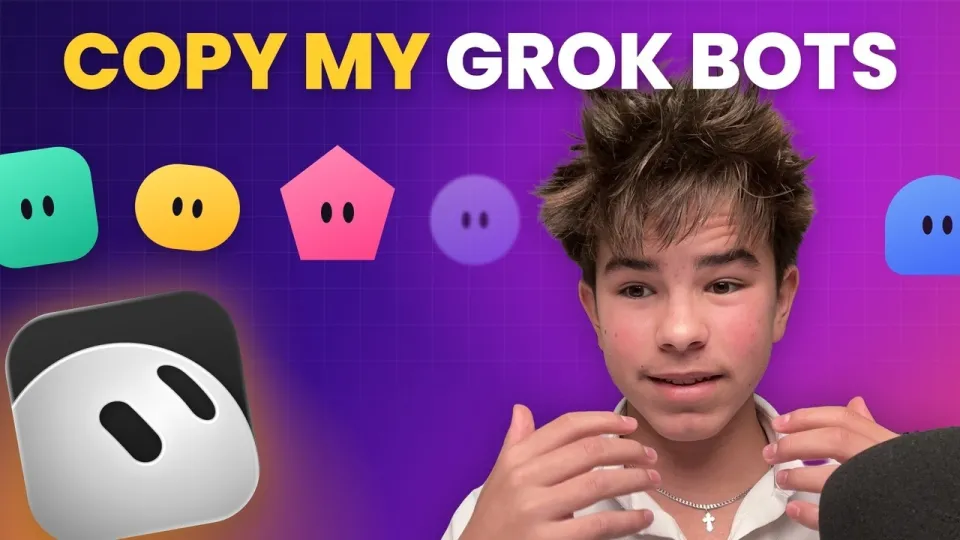
Video: Copy My Grok Bot Setup (School, Gym, Shopping, Content)
· based on the channel sasha
Grok Bot setup is a way to turn xAI's Grok into a team of specialized AI agents that handle school, gym, shopping, and content tasks automatically. The best approach is to create separate bots for each area, connect them to your apps via Composio, and let a chief-of-staff bot coordinate the rest. All seven starter prompts are available for free in this Google Doc so you can copy them today.
What Is Grok Bot and Why Use Multiple Bots Instead of One
Grok Bot is a personal AI agent from xAI that can browse the web, use tools, and connect to external apps to perform tasks on your behalf. Unlike a single general-purpose chatbot, multiple bots let you specialize instructions, permissions, and data access for each area of your life. For example, a school bot only needs access to your email and classroom assignments, while a shopping bot needs access to price comparison sites and your cart. This separation improves focus and reduces the risk of a bot mixing up contexts. The video by sasha demonstrates a setup with seven bots, each with a clear role and its own set of connected apps.
How to Set Up the Chief of Staff Bot for School
The Chief of Staff bot, named Margaret in the video, is the central coordinator that gives you one morning brief with everything due and delegates tasks to other bots. To set it up, create a new bot in Grok and give it the following instructions: check your calendar, email, and task list every morning at 7 AM, summarize what is due, and assign follow-up actions to the appropriate bots (e.g., ask the Tutor bot to schedule a quiz if an exam is near). Connect it to your Google Calendar and Gmail via Composio, and to TickTick for reminders. The bot should never send emails or make changes without your confirmation.
How to Connect Your Apps with Composio and TickTick
Composio is a service that connects AI agents to over 100 apps, including Gmail, Google Calendar, Google Classroom, Notion, and Slack. In the video, sasha uses Composio to link multiple Google accounts and enable email drafting. To connect your apps, go to composio.dev, create an account, and authorize the apps you want Grok Bot to access. For reminders, TickTick is used to set up recurring notifications that the bot can trigger. The Inbox + Classroom Watcher bot uses these connections to check your email and assignments, tell you only what matters, and draft replies (but never send them).
The 7 Grok Bots You Can Copy
The seven bots cover the main areas of a student's life: school, health, planning, shopping, and content creation. Each bot has a specific prompt that you can paste into Grok Bot. Here they are:
- Chief of Staff – one morning brief with everything due, and it hands work to your other bots.
- Inbox + Classroom Watcher – checks your email and assignments, tells you only what matters, drafts replies (never sends).
- Tutor – checks your answers, explains what you got wrong, quizzes you before tests. (The video shows separate tutor bots for English, French, and math.)
- Lift + Sleep Coach – plans your workout around your day, logs it from a voice note, reminds you to sleep on time.
- Day Planner – turns your to-do list into a time-blocked day with real free time.
- Shopping Bot – compares prices, checks reviews, fills the cart, you hit buy. It has its own computer environment to browse sites.
- Content Team Chief – finds trends, writes hooks and scripts, recaps your stats every week.
How to Run Bots in Parallel and Avoid Common Mistakes
Grok Bot supports running multiple threads in parallel, so you can have the Chief of Staff, Tutor, and Shopping Bot working at the same time without waiting for one to finish. To do this, open separate chat threads for each bot and give them tasks simultaneously. Common mistakes include giving a bot too many permissions (e.g., allowing it to send emails) and not setting clear boundaries. Always review the bot's actions before they affect your accounts. Also, use the free prompts from the Google Doc as a starting point and customize them to your schedule and preferences.
All Links from the Video
Conclusion
Setting up Grok Bot with multiple specialized agents is a practical way to automate school, health, shopping, and content tasks. The seven-bot system shown by sasha provides a ready-to-use framework that you can copy and adapt. Start with the Chief of Staff and Inbox Watcher bots, then add others as you get comfortable. For the full prompts, grab the free Google Doc and paste them into Grok Bot. Subscribe to sasha's channel for more AI breakdowns and follow on Instagram for updates.
Key takeaways
- Grok Bot is a personal AI agent from xAI that can connect to your apps and run tasks in parallel.
- The setup uses 7 bots: Chief of Staff, Inbox + Classroom Watcher, Tutor, Lift + Sleep Coach, Day Planner, Shopping Bot, and Content Team Chief.
- Composio connects Grok Bot to Gmail, Google Classroom, and other services; TickTick handles reminders.
- The Shopping Bot has its own computer environment to compare prices and fill carts, but you confirm the purchase.
- All 7 starter prompts are available for free in a public Google Doc linked in the video description.
Source: Copy My Grok Bot Setup (School, Gym, Shopping, Content) · Markdown version
Questions & answers
What is Grok Bot and how does it differ from ChatGPT?
Grok Bot is a personal AI agent from xAI that can connect to external apps and perform tasks autonomously, such as checking email or filling a shopping cart. Unlike ChatGPT, which is primarily a conversational model, Grok Bot is designed to act as an agent with tool use and multi-step workflows.
Do I need to pay for Grok Bot to use this setup?
Grok Bot is available with a paid subscription to X Premium+ or a standalone subscription. The seven starter prompts are free to copy from the Google Doc, but you need a Grok Bot subscription to run them.
Can I use Grok Bot for school assignments?
Yes, the Tutor bot can check your answers, explain mistakes, and quiz you before tests. However, always follow your school's academic integrity policies and use the bot as a study aid, not to complete assignments for you.
How do I connect my email and calendar to Grok Bot?
You can connect your email and calendar through Composio, a service that links AI agents to apps like Gmail and Google Calendar. Create a Composio account, authorize the apps, and then grant Grok Bot access via the Composio integration.